How we test displays
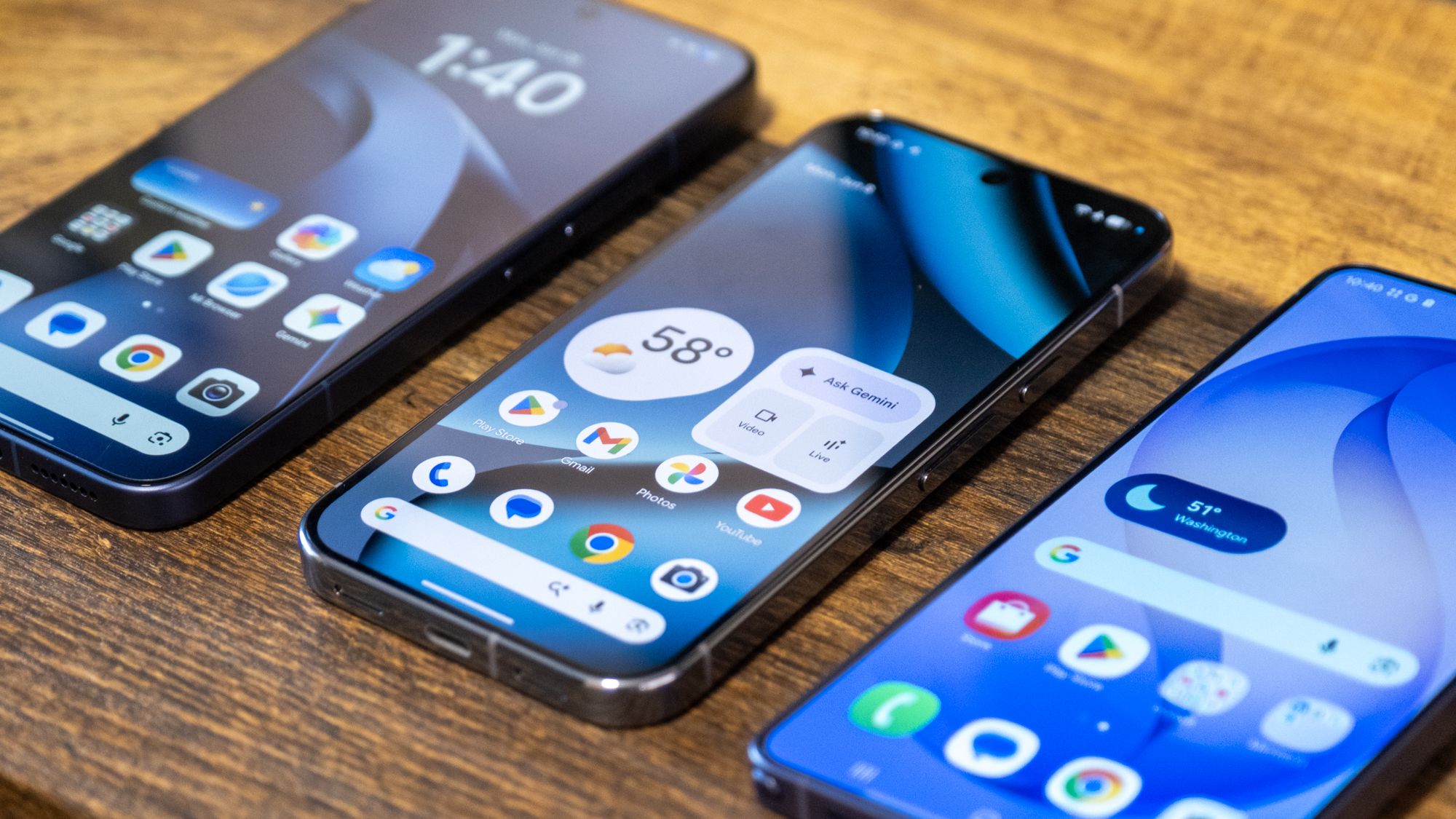
A phone's display is the component you interact with constantly, but it's also one component that's difficult to objectively test without specialized equipment. The problem is that smartphone display marketing isn't necessarily all that helpful. Much of it boils down to manufacturers noting the peak brightness of a screen, which can really only be achieved in very specific scenarios and isn't really an indicator of how bright the display will be when you actually use it.
We have the specialized equipment to test manufacturers' claims around display brightness and see not only whether they hold up, but also how well they hold up. We also test a series of other display-related metrics. Here's a look at how we measure phone displays at Bandicoot Lab, along with what equipment we use to do so and what the results of our tests actually mean.
What we measure
We break a display down into five areas -- brightness, color, responsiveness, motion, and resolution. Brightness, color, and responsiveness are measured with calibrated instruments rather than judged by eye. Looking at a screen tells you whether you like it -- it can't tell you how far its colors drift from their reference, how much it dims as it heats up, or how quickly it reacts to your finger. The goal is repeatable numbers that mean the same thing across every phone we test, so two displays can be compared directly instead of through someone's impression of them.
Equipment
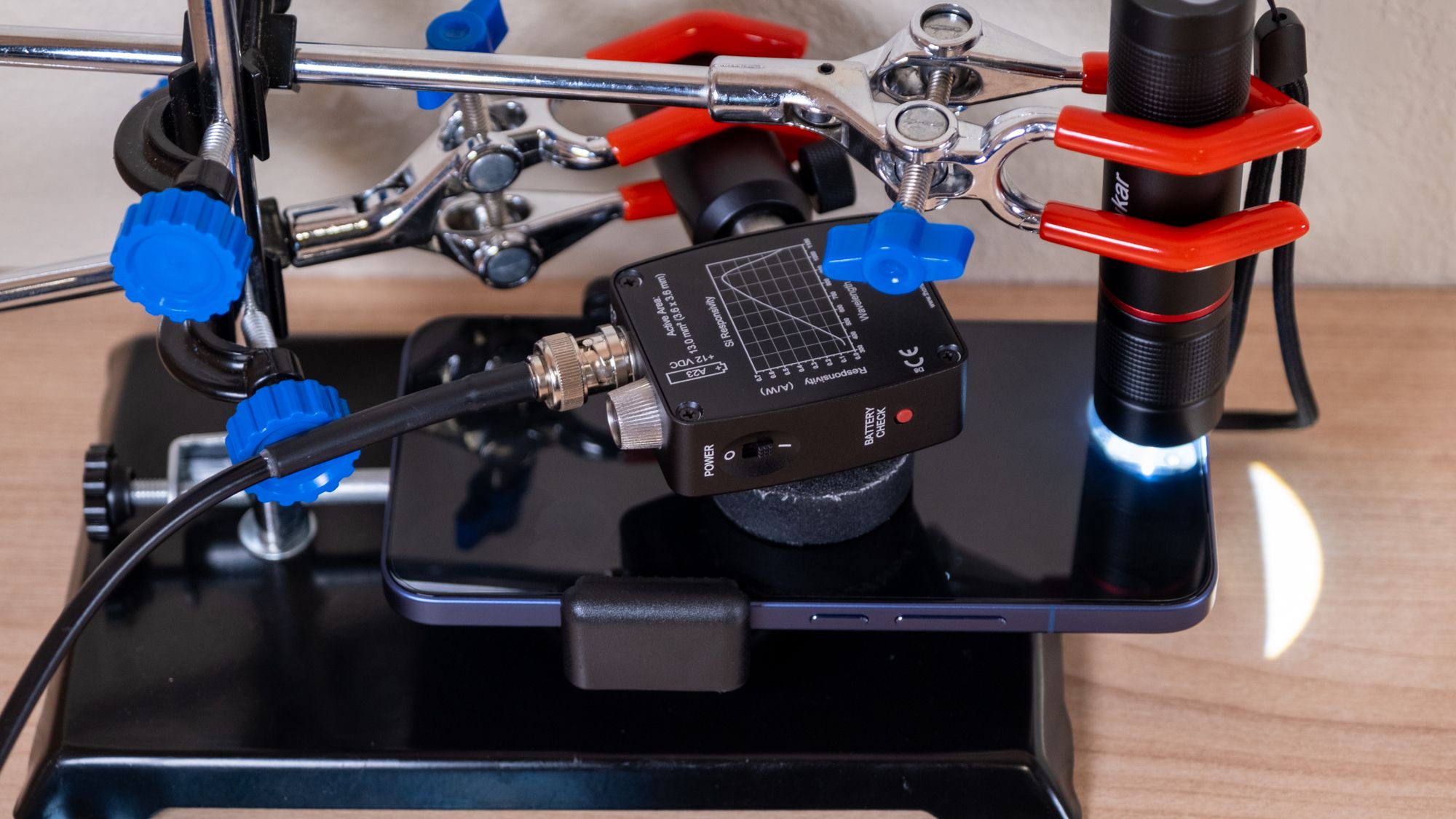
Most of our display measurements come from a small set of instruments:
- Datacolor SpyderX colorimeter — a sensor that reads the color and brightness coming off the screen. We use it for color accuracy measurements and to calibrate our brightness rig.
- Thorlabs DET36A photodiode — a fast light sensor that converts the screen's brightness into an electrical signal. This is what we use for brightness tests, where reaction speed and precision matter.
- PicoScope 2204A — an oscilloscope that records the signals from our sensors. It reads the photodiode during brightness tests, and it also reads a piezo sensor (a small contact sensor that registers a physical tap) during the touch latency test.
- Flashlight — used to trigger a phone's high brightness mode, when it's shined onto the phone's ambient light sensor.
Brightness
Brightness covers three separate measurements, because "how bright is the screen" has more than one answer.
The first is the manual brightness range -- the maximum and minimum you can reach with the brightness slider, with no automatic boosting involved. The maximum tells you how readable the screen will be outdoors in daylight. The minimum matters at the other end -- a screen that can't dim far enough is uncomfortable in a dark room or in bed at night, so a low minimum is a genuine advantage. For this measurement the phone displays a full-screen white field and we read the brightness at the center.
The second is peak brightness, which is measured using HDR content. HDR (high dynamic range) content can call for bursts of brightness far beyond everyday use — a glint of sunlight, a bright sky. We measure this with HDR test patterns at a series of window sizes, from a small patch covering 2% of the screen up to a full-screen white field. Peak brightness on a small window is almost always higher than on a full screen, because the panel can pour power into a handful of pixels while keeping heat under control. Lighting the whole screen that hard typically draws too much power and generates too much heat. Measuring across window sizes shows what a screen can sustain in real HDR content, not just its best-case headline figure.
The third is sustained brightness. We use the 10% HDR window size for 30 minutes and capture the brightness every 10 seconds, to track how it behaves over time. Phones sometimes throttle brightness as they warm up to protect their internal components, so a screen that looks intensely bright for thirty seconds may settle noticeably lower once it heats up. The 30-minute hold shows how much brightness a panel actually gives back under prolonged load.
HDR and tone mapping
Beyond raw brightness, HDR content has to be reproduced with the right tone mapping — the relationship between the brightness a piece of content asks for and the brightness the screen actually produces. The reference for this is the PQ (Perceptual Quantizer) curve, the industry standard that defines how bright each signal level should appear. We compare the screen's output against that reference at every 5% step from 0% to 100%, for 21 measurements in total.
A panel that tracks the curve closely shows HDR the way it was mastered; one that strays will crush shadow detail or blow out highlights. This is a measure of accuracy, not power — a very bright screen can still map tones poorly, which is why we keep it separate from the brightness tests above.
Color accuracy
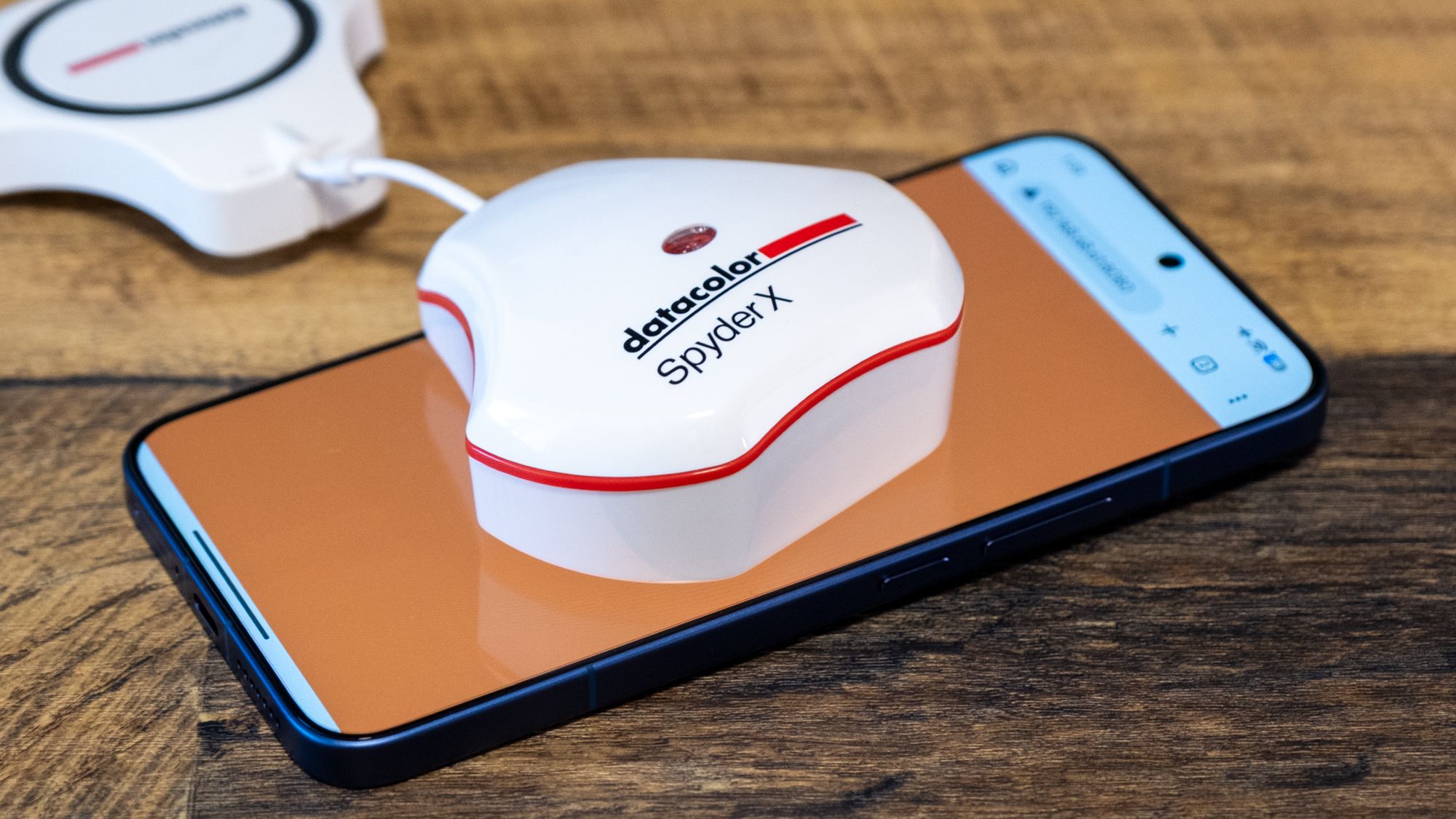
To measure the color-accuracy of a phone's display, we take 175 measurements using the SpyderX colorimeter, using a display calibration software called DisplayCAL. We do this for each display color mode that a phone offers.
Color accuracy is measured two ways. The first is color error, expressed as Delta E (ΔE). A single ΔE value summarizes how far a displayed color lands from its true reference target — lower is closer. As a rough guide, errors below about 1 are invisible to the eye, and errors up to around 3 are only noticeable on careful side-by-side comparison; past that, colors start to look visibly off.
The second is gamut coverage — how much of a given color space the display can actually reproduce. We report coverage of three: sRGB, the standard for most web and app content; DCI-P3, the wider space used for most HDR video and digital cinema; and Rec. 2020, a very wide space that little content uses in full yet but that represents where things are heading. Broader coverage means the screen can show more saturated, fuller colors in content mastered for those spaces, rather than clipping them back toward duller versions.
Touch responsiveness
Touch latency is the delay between touching the screen and the screen responding. We measure it directly. A piezo sensor registers the instant of physical contact, the photodiode catches the moment the screen flashes white in response, and the PicoScope records the gap between the two. From that we subtract the latency the browser reports for its own processing, which isolates the part of the delay that belongs to the display and touch hardware rather than the software running the test. In practice, only sizable differences in touch latency are perceptible — a few milliseconds either way isn't something you'll feel.
Motion and resolution
Refresh rate is how many times per second the screen updates, measured in hertz. A higher peak (120Hz versus 60Hz, for example) makes scrolling and animation look smoother. Many panels are also adaptive — they drop the refresh rate low on static content like a photo or a page of text, then climb back up when motion returns. The tradeoff is straightforward: more refresh-rate headroom looks better but costs power, and a wide adaptive range is how a phone gets both.
Pixel density is how tightly packed the pixels are, measured in pixels per inch (PPI). The higher it is, the sharper text and fine detail look. Above roughly 300 PPI, individual pixels become hard to distinguish at a normal viewing distance, so most modern phones clear the threshold where a screen reads as sharp; beyond that, more density brings steadily diminishing returns.
For now, refresh rate and resolution are scored from the manufacturer's specifications rather than measured in the lab, since a panel's stated refresh rate and pixel density are reliable figures. We plan to add hands-on refresh-rate testing down the line, to capture how well a phone holds its high refresh rate and manages its adaptive range in practice, rather than only what the spec sheet promises. We have no plans to test pixel density -- it's a black-and-white number.
What the display score reflects
Each of these areas is scored on its own, and those scores combine into a single display number that summarizes the whole panel. Brightness, color, and resolution carry the most weight, with refresh rate close behind and responsiveness counting for the least — touch latency varies little enough between modern phones that it shouldn't swing the result. The score is built to reward a well-rounded display. A screen can't lean on one outstanding trait to cover for a weak one. A high display score means a panel that is bright enough to use anywhere, accurate in its color, sharp, smooth in motion, and quick to respond — not strong in just a single category.
FAQ
Why isn't my phone as bright as the advertised peak brightness?
Peak brightness figures come from HDR content lighting up just a small patch of the screen — often as little as 2% — where the panel can pour power into a few pixels without overheating. Light the whole screen that hard and brightness drops well below that headline number.
What counts as good color accuracy?
We measure it as Delta E, which is how far a displayed color drifts from its true target. Lower is better. Errors under about 1 are invisible to the eye, and up to around 3 only show on a careful side-by-side. Past that, colors start to look visibly off.
Does a higher refresh rate or pixel density actually matter?
Up to a point. 120Hz makes scrolling and animation noticeably smoother than 60Hz, and a wide adaptive range lets a phone get that smoothness without wrecking battery life. Pixel density matters less once you clear roughly 300 PPI — past that, individual pixels are hard to spot at a normal viewing distance, so you're into diminishing returns.
Why measure brightness over 30 minutes instead of just once?
Because phones throttle brightness as they heat up to protect their internals. A screen that looks blinding for thirty seconds can settle noticeably lower once it warms. The 30-minute hold shows how much brightness a panel actually sustains, not just its best-case burst.
Related

Samsung Galaxy Z Flip 8 vs Motorola Razr+ (2026)

Samsung Galaxy Z Flip 8 vs Samsung Galaxy S26 Ultra
Samsung Galaxy Z Flip 8 vs Google Pixel 11 Pro XL

Samsung Galaxy Z Flip 8 vs Motorola Razr Ultra (2026)
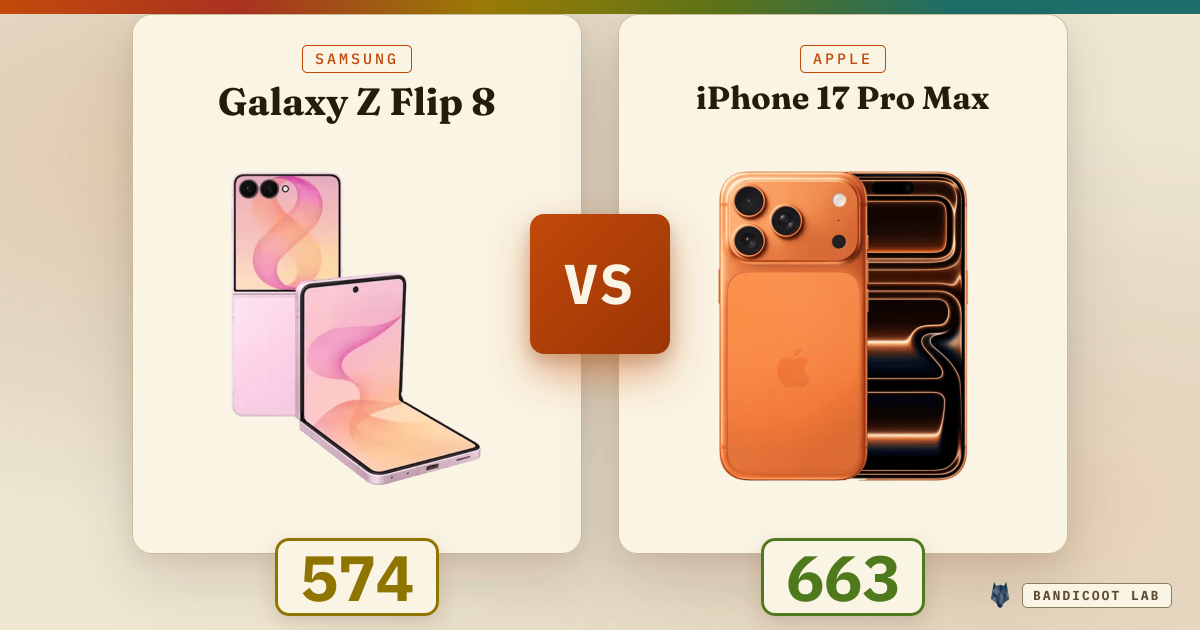
Samsung Galaxy Z Flip 8 vs Apple iPhone 17 Pro Max
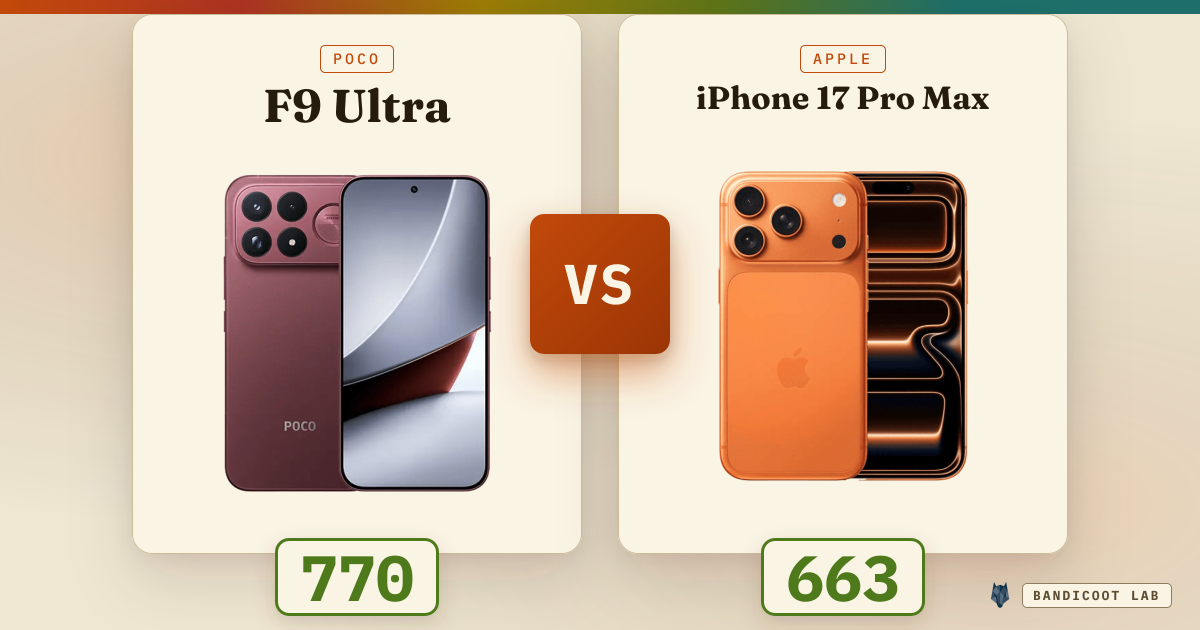
Poco F9 Ultra vs Apple iPhone 17 Pro Max

Poco F9 Ultra vs Samsung Galaxy S26 Ultra
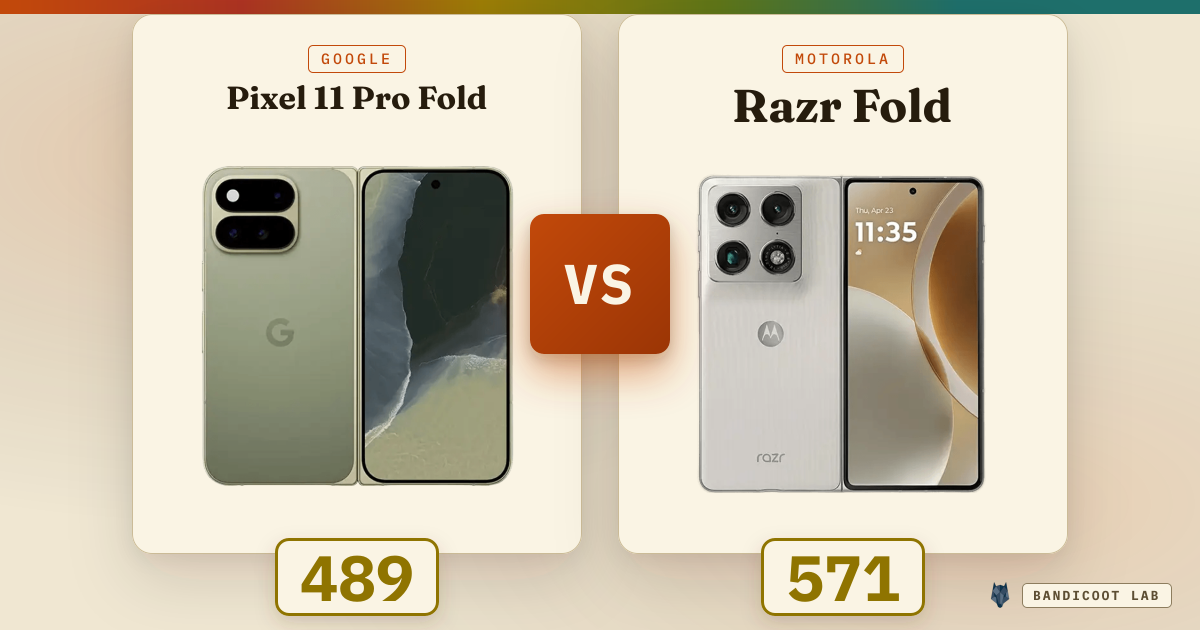
Google Pixel 11 Pro Fold vs Motorola Razr Fold
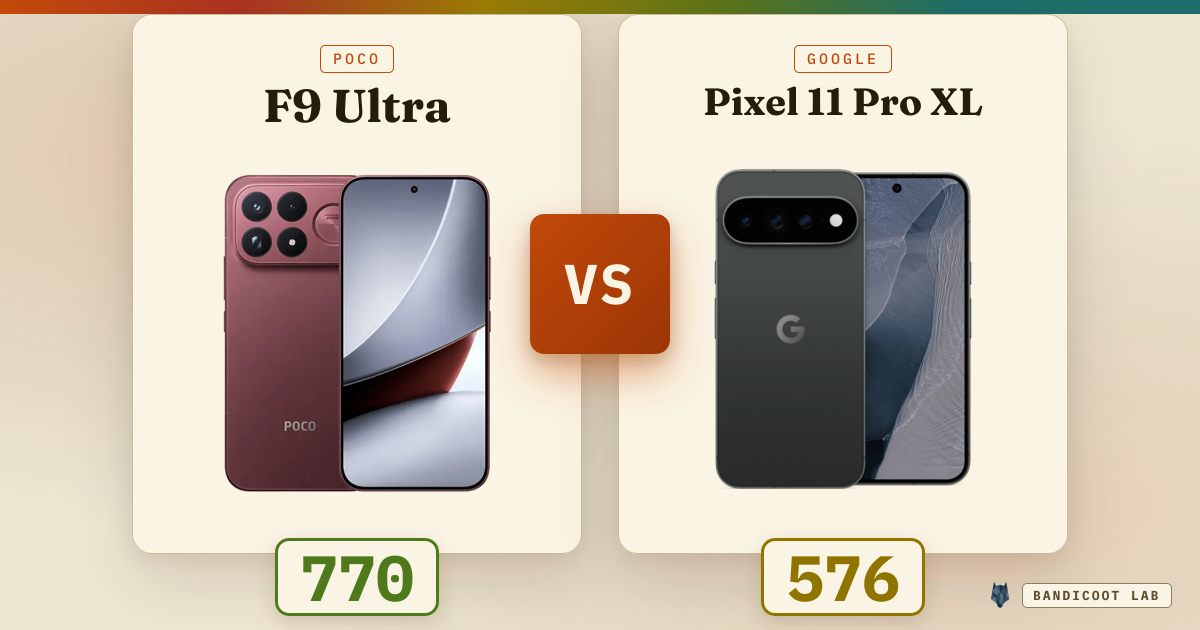
Poco F9 Ultra vs Google Pixel 11 Pro XL
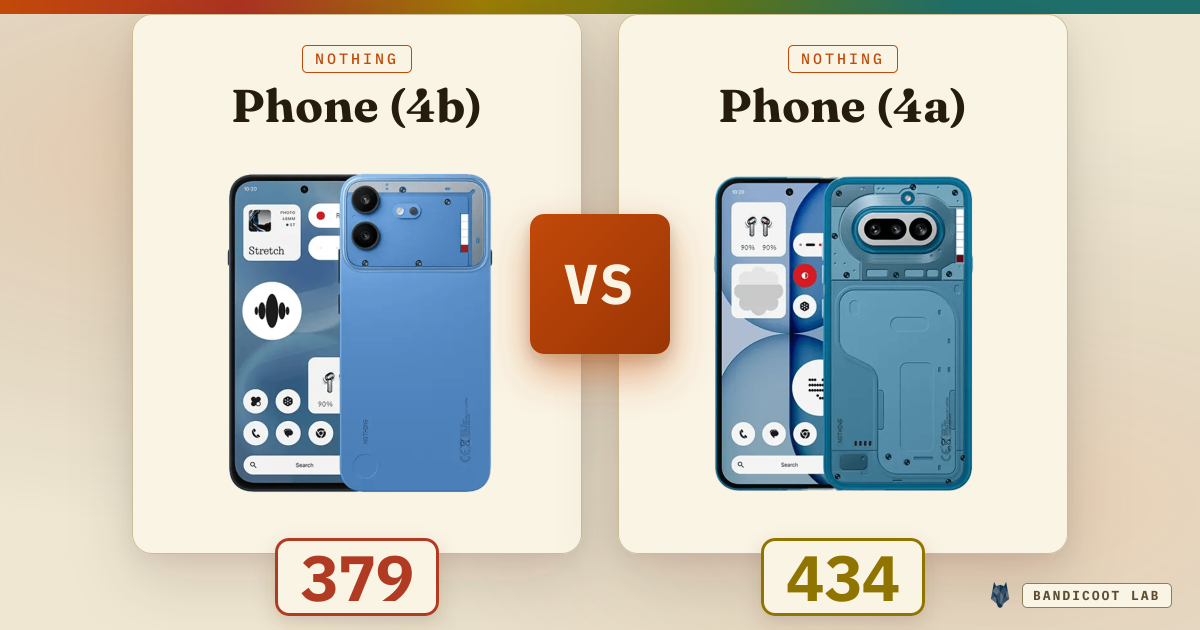
Nothing Phone (4b) vs Nothing Phone (4a)
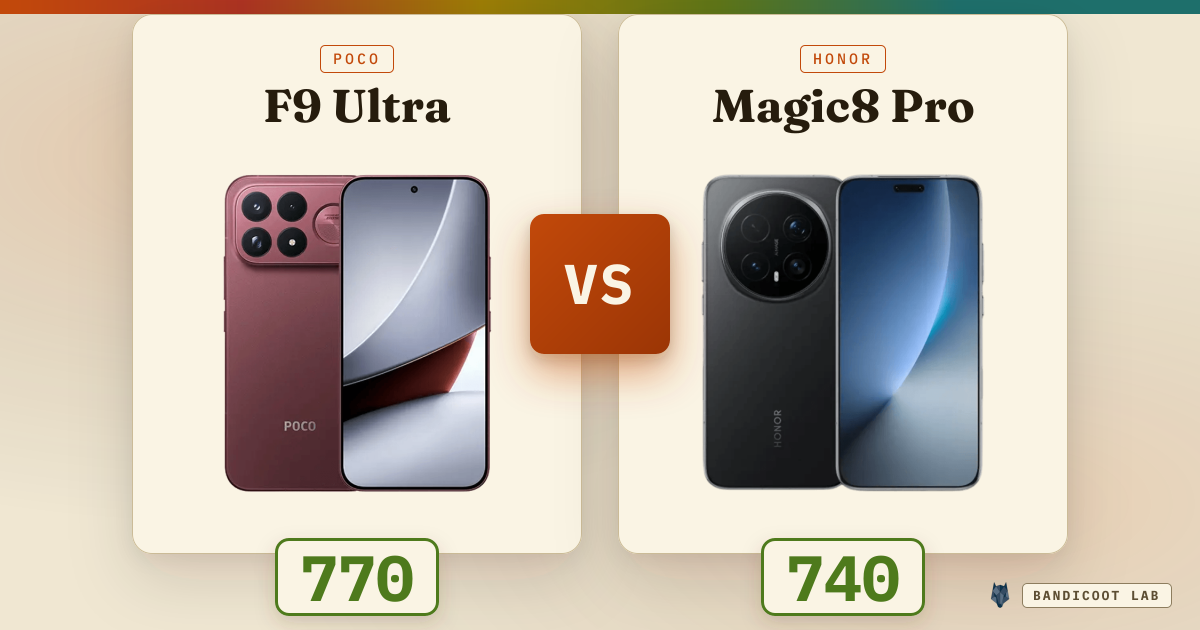
Poco F9 Ultra vs Honor Magic8 Pro
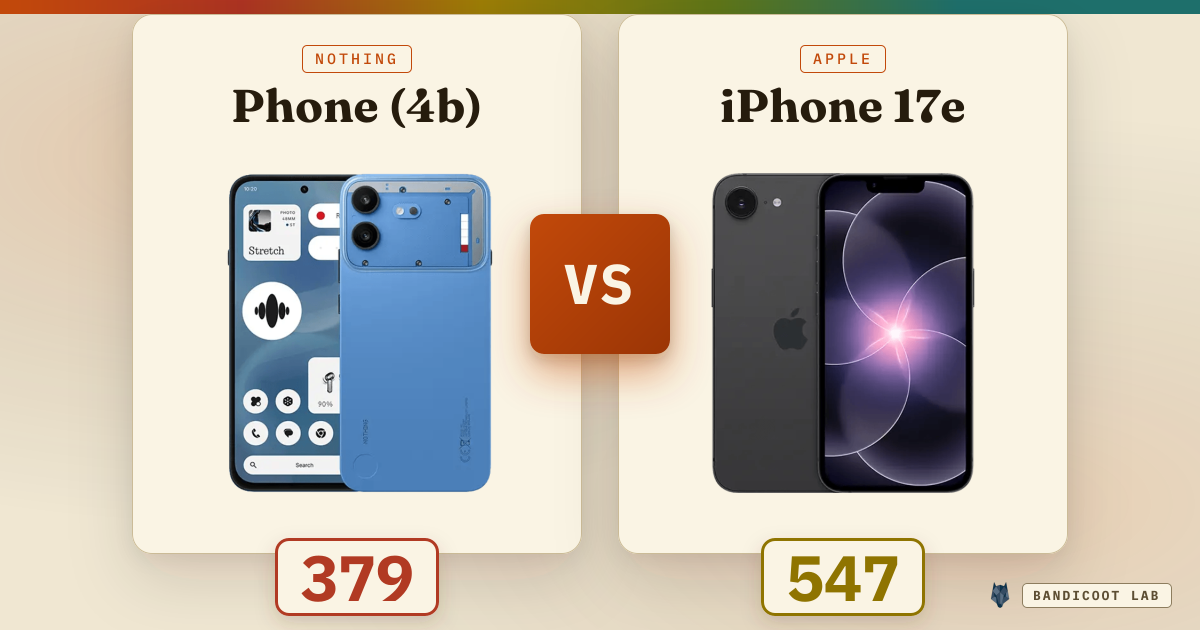
Nothing Phone (4b) vs Apple iPhone 17e